
Fetching financial insights...
•
•
•
•
•
•
Learn how to verify a loan app in India using the RBI DLA directory. Check lenders, identify fake apps and understand digital lending rules.
Grofi Editorial
Senior Financial Analyst
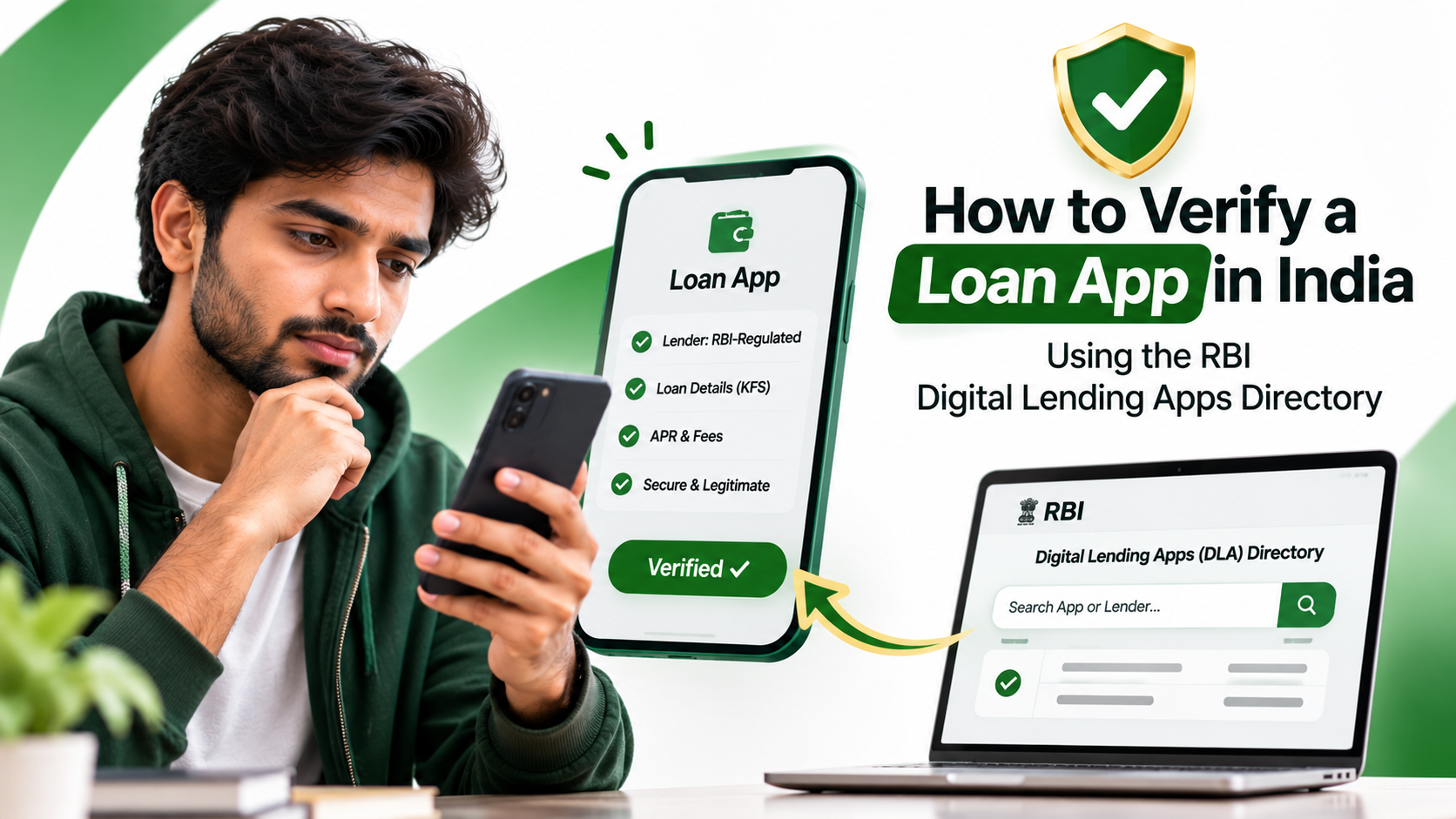
Getting a personal loan has become easier than ever. You can now apply for a loan through a mobile application, complete the verification process online and receive money directly in your bank account without visiting a branch.
However, the growing popularity of digital lending has also created opportunities for fraudulent loan applications. Some apps advertise instant approvals, promise loans without proper checks, collect unnecessary personal information or charge borrowers hidden fees. In more serious cases, fraudulent operators misuse personal data and threaten borrowers during recovery.
So, how can you check whether a loan app is genuine before sharing your Aadhaar, PAN, bank details or other personal information?
The Reserve Bank of India (RBI) introduced a Digital Lending Apps (DLA) directory to help borrowers check whether a digital lending app claims to be associated with an RBI-regulated entity, such as a bank or NBFC.
But there is an important distinction: being listed in RBI directory does not mean that the RBI has approved, licensed or endorsed the individual app. The information is submitted by regulated entities, and the RBI publishes it without independently validating every entry.
In this guide, we explain how to use the RBI directory, verify the lender behind an app, recognise warning signs and understand your rights as a digital borrower.
The RBI Digital Lending Apps (DLA) directory is an online database containing information about digital lending applications deployed by RBI-regulated entities.
These entities include:

Cashback vs reward points: learn how each works, calculate their real value, compare redemption options and see which credit card rewards save you more in India.
Grofi Editorial
Senior Financial Analyst
A digital lending app may be operated directly by a regulated lender or by a Lending Service Provider (LSP) working with that lender.
For example, a bank may offer its own mobile loan application. Alternatively, it may partner with a technology company that operates an application or platform to help customers discover and apply for loans.
The RBI introduced the directory to help borrowers verify the claimed association between an app and a regulated lender. The directory become operational on 1 July 2025.
Important: The RBI does not independently approve or verify every app entry in the directory. Regulated entities submit the information, and the RBI publishes it as provided. Therefore, directory inclusion should be treated as one verification step, not a guarantee that an app is safe.
Before installing a loan application or submitting your documents, follow these steps.
Start by collecting the app's details.
Checks:
Be careful with apps that use names or logos similar to established banks and NBFCs. A familiar-looking name does not prove that an application is genuine.
Also, do not rely only on screenshots, advertisements or links shared through WhatsApp and SMS.
A loan app is not necessarily the lender.
The application may be operated by a technology company or an LSP, while the actual loan is provided by a bank or NBFC.
Look for the following information on the app's official website or loan documents:
If the app does not clearly identify the regulated lender, treat that as a warning sign.
Visit the official Reserve Bank of India website.
Navigate to:
This takes you to the Digital Lending Apps directory.
You can use the directory to search for the application and examine the information submitted by the regulated entity.
Seach for the app using the exact name.
Do not assume that two applications are the same just because their names are similar.
Where available, compare:
Pay particular attention to the actual app listing link. A fraudulent application may copy the name and branding of a legitimate app.
If the directory lists an app with a similar name but a different developer or link, do not treat it as a match.
This is an important additional verification step.
Vist the official website of the bank or NBFC identified in Step 2.
Check whether the lender discloses the same app or its associated Lending Service Provider. Compare the app name, developer and website links wherever those details are available.
If you cannot independently confirm the relationship, contact the lender using the customer-care details published on its official website.
Never use a phone number supplied only by an unfimilar loan app to verify that same app.
Even if you identify the lender, do not accept a loan without reviewing its terms.
Check the Key Fact Statement (KFS) and loan agreement for:
The KFS should help you unterstand the actual cost of borrowing before you agree to the loan.
Remember: A loan app's presence in the RBI directory does not automatically mean that every loan offer displayed inside it is suitable or affordable for you.
No. This is one of the most important points borrowers should understand.
The RBI Digital Lending Apps directory is not a list of individually approved or certified loan applications.
Under the RBI Digital Lending Directions, 2025, regulated entities are required to report information about their digital lending apps through the RBI's prescribed reporting system.
The RBI publishes the information submitted by these entites. It does not independently validate each app entry before publication.
This means:
The safest approach is to use the RBI directory alongside the lender's official website, the app's exact store listing and its loan documents.
The RBI Digital Lending Directions, 2025, established safeguards for borrowers using digital lending platforms.
Here are some important protections you should understand.
Before accepting a digital loan, borrowers should receive a KFS containing important information about the loan.
It should explain the APR, repayment obligations, charges and other relevent terms.
Do not accept a loan simply because the app displays an attractive monthly EMI. Understand the total cost of borrowing.
Under the RBI's digital lending framework, loan disbursal should generally take place directly from the regulated lender to the borrower's bank account.
Repayment should also generally be make directly to the regulated lender's bank account.
There are limited exceptions under the directions, but borrowers should be cautions if an app asks them to transfer loan repayments to an unrelated personal bank account or UPI ID.
Borrowers must be given an option to exit a digital loan during the cooling-off period by paying the principal and proportionate APR, without a penalty.
The regulated entity determines the period through its board-approved policy, but it cannot be less than one day.
A disclosed one-time processing fee may be retained if applicable under the rules.
Check the KFS for the applicable cooling-off period before accepting the loan.
Digital lending applications must follow data privacy and consent requirements.
The RBI directions restrict access to mobile phone resources such as:
A lender may obtain explicit consent for one-time access to certain facilities, such as the camera, microphone or location, where necessary for onboarding or KYC.
You should also have appropriate controls to deny or restrict consent, revoke permissions and request deletion of data, subject to applicable legal and regulatory requirements.
An app asking for unrestricted access to your contacts or call history should be treated as a serious warning sign.
Digital Loan recovery must follow applicable RBI requirements.
If a recovery agent is assigned to your loan, the regulated entity must communicate the agent's details to you before the agent contacts you for recovery.
Threats, harassment, public humiliation or misuse of your personal contacts should not be treated as normal loan recovery practices.
Regulated entities must provide grievance redressal details for digital lending services.
If you have a complaint, contact the lender's grievance redressal officer first.
If the lender rejects your complaint, does not provide a satisfactory response, or fails to respond within 30 days, you may be eligible to approach the RBI through the Complaint Management System under the applicable RBI Integrated Ombudsman Scheme.
You can access the RBI Complaint Management System.
Not every suspicious-looking app is necessarily fraudulent, but the following signs should make you stop and investigate before proceeding.
Swipe table to view more →
Some suspicious applications promise instant loan approval but ask you to pay a registration fee, security deposit, verification charge or insurance fee before releasing the money.
Do not transfer money to an unknown personal account simply because an application claims that the payment is required to unlock your loan.
Always verify the charge with the regulated lender through its official contact channels.
If you have installed an application and now suspect that it may be fraudulent, take action quickly.
Do not submit additional documents, bank details, OTPs or passwords.
Do not share your UPI PIN, debit card PIN or internet banking credentials with anyone claiming to represent the app.
Open your phone settings and review the permissions granted to the application.
Revoke unnecessary permissions, especially access to contacts, call logs, files and media.
If you suspect malicious activity, uninstall the application after preserving relevant evidence.
If you have made an unauthorised payment or suspect financial fraud, contact your bank using its official customer-care channel.
Report the incident immediately and request assistance in securing your account.
You can report cybercrime through the Government of India's official portal:
For financial cyber fraud, call 1930 as soon as possible.
Quick reporting may help authorities and financial institutions take action to trace or hold the funds, where possible.
Depending on the nature of the complaint, you may also use:
Keep screenshots, payment receipts, app details, phone numbers, messages and other evidence. Do not delete useful evidence before making your complaint.
Before submitting a personal loan application, use this checklist:
If you cannot verify the lender or understand the loan terms, do not rush into the application.
You can use the RBI Digital Lending Apps directory to check whether the app is reported by an RBI-regulated entity. Visit the RBI website, open Citizen's Corner and select "DLA's deployed by Regulated Entities". Match the exact app name and available links, then independently confirm the lender's relationship through its official website.
The RBI publishes a directory of digital lending apps deployed by regulated entities. However, it is not an RBI approval or endorsement list. The information is submitted by regulated lenders and published without independent validation of every entry.
Do not immediately assume that the app is fraudulent. First, identify the bank or NBFC providing the loan and contact that lender through its official website. Ask whether the app is its own digital lending app or is operated by an authorised Lending Service Provider. Do not proceed if you cannot establish the relationship.
The RBI Digital Lending Directions restrict digital lending apps from accessing mobile phone resources such as contact lists, call logs, files and media. Certain one-time access to facilities such as the camera, microphone or location may be permitted when necessary for onboarding or KYC and supported by explicit consent.
You can report suspected cyber financial fraud at cybercrime.gov.in or call 1930. You may also report relevant suspected unauthorised financial activity through the RBI Sachet portal. If the complaint concerns a regulated lender, contact its grievance officer and follow the applicable RBI complaint process.
No. Directory listing does not guarantee loan approval, eligibility, a particular interest rate or the safety of every interaction with the application. The lender will still assess your eligibility and creditworthiness according to its lending policy.
An NBFC can legally provide digital loans if it is appropriately regulated and follows applicable requirements. However, borrowers should verify the actual lender, confirm the app's relationship with that lender, review the loan documents and check the app's permissions before applying.
Digital lending can make borrowing faster and more convenient, but convenience should never replace verification.
Before applying through any loan app, identify the actual lender, check the RBI Digital Lending Apps directory, cross-check the information on the lender's official website and carefully read the Key Fact Statement.
Most importantly, remember that an RBI directory listing is not the same as RBI approval or a guarantee of safety. Treat it as one part of a broader verification process.
A few minutes of checking can help you avoid unnecessary financial risks and make a more informed borrowing decision.
Explore Grofi: Compare personal loan options, understand your eligibility and learn more about responsible borrowing before choosing a loan.
This article is for general educational and informational purposes only. It is not financial, legal or investment advice. RBI regulations and lender policies may change. Always refer to the latest RBI notifications, the regulated lender's official website and your loan's Key Fact Statement before making a borrowing decision.

Compare the best credit cards for online shopping in India in 2026. Explore cashback on Amazon, Flipkart, Myntra and more, plus fees, limits and eligibility.
Grofi Editorial
Senior Financial Analyst